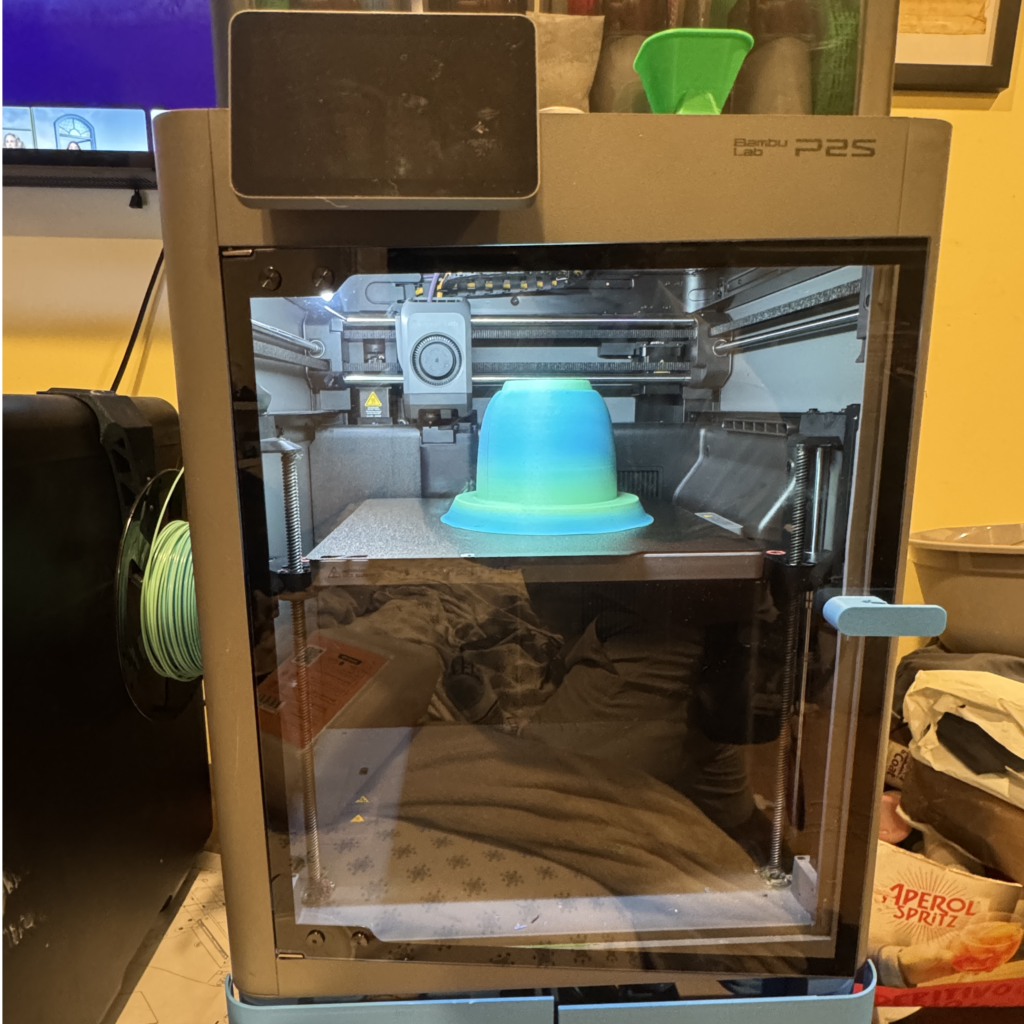
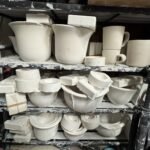
One of the most exciting developments in studio ceramics over the last few years is using 3D printing to create original models for slipcasting molds. Instead of turning a plaster model by hand or carving one from foam, you can design a form digitally and print it — then use that print as the master model to pour a plaster mold from. This guide covers the workflow using Shapecast, the tool purpose-built for this process.
Why 3D Print Mold Models?
Traditional mold making requires building a model — typically by turning plaster on a banding wheel, carving foam, or throwing and trimming a clay prototype. These are all valid approaches, but they require significant skill and time, and making precise, repeatable forms is challenging without specialized tools.
3D printing gives you:
Precise, repeatable geometry — every print is identical. If your first mold works, you can print another model and pour another mold exactly like it.
Forms impossible to make by hand — complex curves, precise tapers, and geometric shapes that would be extremely difficult to turn or carve can be printed easily.
Fast iteration — modify a dimension in the software, reprint, and test. Iterating on a form takes hours instead of days.
Scaling — need the same form in three sizes? Scale the file and print three versions.
What is Shapecast?
Shapecast is a web-based tool designed specifically for creating 3D printable slipcasting profiles. Rather than requiring full 3D CAD software, Shapecast lets you draw a 2D profile of your intended form and automatically generates a 3D model that accounts for the mold-making process — including draft angles, parting lines, and the geometry needed for the plaster to release cleanly from the print.
It is designed for potters, not engineers — you think in terms of rim diameter, foot diameter, wall curve, and height, and Shapecast handles the technical geometry. The output is an STL file ready to slice and print.
The Basic Workflow
Design your profile in Shapecast — draw the cross-section of your intended vessel. Pay attention to draft angles — any area of the form that narrows as you move toward the opening will trap the plaster mold. See our guide on One, Two, or Multi-Part Mold? How to Decide for help with this.
Export the STL file — download the generated 3D model from Shapecast.
Slice the file — open in Bambu Studio, Orca Slicer, or your preferred slicer. Orient the model with the widest face down for best print quality and stability.
Sand and seal the print — the printed surface will have layer lines that will transfer to your plaster mold and then to every cast piece. Sand progressively from 120 grit through 400 grit, then seal with a few coats of clear spray varnish or shellac. The surface should be completely smooth and non-porous before pouring plaster.
Set up cottle boards — build your cottle board enclosure around the sealed model, sealing the base with clay coils. See our Cottle Boards guide.
Demold and dry the mold — once the plaster sets, remove the 3D printed model. The model should release cleanly if it was sealed and had appropriate draft angles. Allow the mold to dry for at least 72 hours before first use.
Key Considerations for Print Quality
Layer lines transfer to the mold — any texture on the print surface will show in the plaster and in your cast pieces. Thorough sanding and sealing is not optional.
Draft angles are critical — a form with no draft angle will lock into the plaster as it expands slightly during setting. Design with at least 2–3 degrees of outward taper from the deepest point.
Seal completely — unsealed PLA absorbs moisture from the wet plaster and can cause the print to stick permanently in the mold. Two or three coats of sealant, allowing each to dry fully, is the minimum.
Print slightly larger than your target — the cast clay piece will shrink 10–15% during drying and firing. Your printed model (and resulting mold) needs to be larger than the intended fired size.
I am a visually impaired ceramic artist. I have been making for around 8 years now. I specialize in functional colorful pottery. Mainly nerikome and other decorative processes.